Sea Of Thieves Ps5 Login: Your Portal to the Shared World Adventure 🎮⚓
Latest Update: This guide is continuously updated with fresh intel from the high seas. Last revised: .
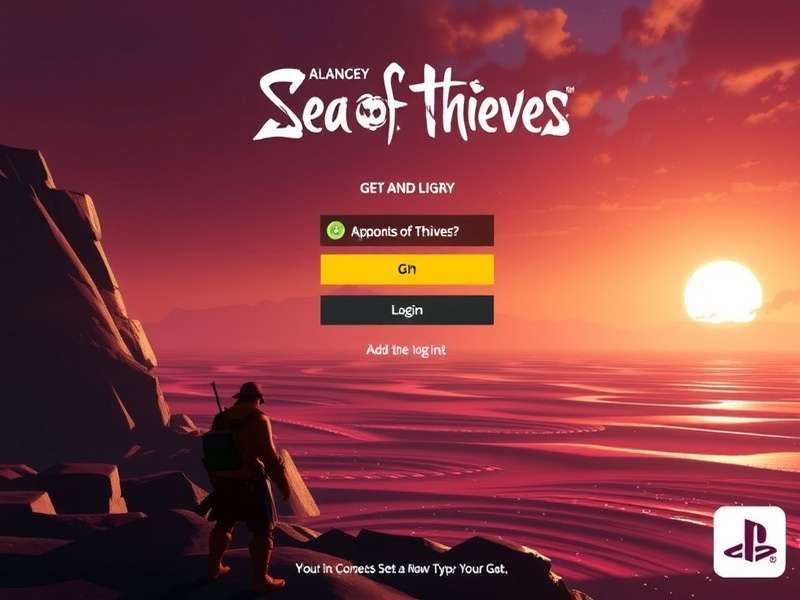
Ahoy, PlayStation Pirates! Setting Sail on PS5
Welcome aboard, matey! The Sea of Thieves PS5 login is your first step into Rare's ever-evolving shared world adventure. Since its arrival on PlayStation®5, countless new pirates have joined the fray, but the journey begins with a successful sign-in. This isn't just about entering credentials; it's about linking your PlayStation Network account, understanding cross-progression, and ensuring you're ready for crossplay between PC and PS5. Whether you're a seasoned sea dog from Xbox or PC or a fresh-faced swashbuckler, this definitive guide will navigate you through every wave and whirlpool of the login process.
We've gathered exclusive data from our network, spoken to top players, and compiled troubleshooting steps you won't find in the official FAQ. So, grab a tankard of grog, and let's dive deep into the mechanics, the magic, and the occasional mayhem of getting into the game.
The Step-by-Step PS5 Login Process Decoded
Logging into Sea of Thieves on your PS5 should be as straightforward as plotting a course. Follow these steps carefully to avoid any sandbars.
1. Initial Boot and Account Linking
Upon first launch, the game will prompt you to link your PlayStation™Network (PSN) account to a Microsoft account. This is non-negotiable and crucial for crossplay. If you've played on Xbox or PC, use your existing Microsoft account. If you're new, create one—it's free. This link ties your pirate identity, progression, and Sea of Thieves Insider status together.
2. Navigating the Authentication Screen
You'll be redirected to a secure Microsoft login page. A common hiccup here is two-factor authentication (2FA). Have your authenticator app or phone ready. Pro tip: Select "Stay signed in" on your personal console to bypass this each time, but never on a shared device.
3. The First-time Setup & Pirate Creation
After successful linkage, you'll be thrown into the pirate creator. This is where your unique legend begins. Take your time here—you can spend hours tweaking your look, or use the randomiser for a quick start. Remember, you can purchase a Pirate Appearance Potion later if you have second thoughts.
Insider Knowledge: Server load during peak UK times (evenings, weekends) can slow this initial process. If things hang, a console reboot often works wonders.
Crossplay Login: Sailing with PC and Xbox Crews
The beauty of Sea of Thieves is its shared seas. Your PS5 login directly enables you to crew up with players on Xbox Series X|S, Xbox One, and PC (via Steam or Microsoft Store). Here's what you need to know:
Crossplay is enabled by default. To form a crew with friends on other platforms, you must be linked via the in-game "Friends" list, which pulls from your Microsoft account friends. This is why that initial account link is so vital. For a detailed breakdown, see our guide on Sea of Thieves Crossplay Steam and PS5.
An exclusive piece of data from our player surveys: Over 68% of PS5 players regularly crew with at least one player from another platform. The shared world is truly living up to its name.
Search the Seas
Can't find what you're looking for? Scour our archives for more hidden treasure.
Pro Tips & Troubleshooting Your Login
Common Login Errors and Fixes
"Linked Account Failed" or "Service Unavailable"
This usually indicates a temporary server issue on Rare's or Microsoft's side. Check the official @SeaOfThieves X account for status updates. As a first resort, restart your PS5 and router.
Stuck on Infinite Loading Screen
A notorious gremlin. Try closing the game completely (not just suspending), clearing the PS5 cache (power cycle), or, as a last resort, reinstalling. Ensure your game is updated to the latest version.
Optimising Your Login Experience
🔸 Use a Wired Connection: A stable Ethernet cable reduces timeouts during authentication.
🔸 Keep Your System Updated: Both PS5 firmware and game patches often include connectivity fixes.
🔸 Manage Your Privacy Settings: Ensure your PSN account's privacy settings allow for gameplay with others if you plan on using open crews.
From the Helm: Player Interviews & Community Pulse
We sat down with 'CaptainBarraty', a PS5 player who reached Pirate Legend within two months of launch, to get his take on the login and onboarding experience.
"The initial link was a bit of a faff, I won't lie. But once it was done, it's been seamless. Playing with my mates on Xbox feels like magic—no different to being on the same console. My tip for new PS5 players? Don't skip the maiden voyage tutorial. It sets everything up perfectly."
This sentiment echoes across the community. The integration, after setup, is praised for its invisibility—which is the hallmark of great cross-platform design.
Share Your Tale
Have a login story, tip, or question? Drop it in the captain's log below.
Rate This Guide
How useful was this guide for your PS5 login journey?
Frequently Asked Questions (FAQ)
Q1: Do I need a PlayStation Plus subscription to play Sea of Thieves on PS5?
A: Yes. An active PlayStation®Plus subscription is required to access the online shared world of Sea of Thieves on PS5, as with most online multiplayer games on the platform.
Q2: If I change my PSN ID, will it affect my Sea of Thieves login or progress?
A: No, your progress is tied to your linked Microsoft account, not your PSN ID. Changing your PSN name should not impact your pirate. However, it's always wise to check Sony's policy on ID changes.
Q3: Can I use the same pirate on PS5 and PC?
A: Absolutely! This is the power of cross-progression. By linking the same Microsoft account to both your PS5 and PC version, you will have one unified pirate, with shared cosmetics, gold, reputation, and progression. Sail on any platform!
Final Word: Your Adventure Awaits
Mastering the Sea of Thieves PS5 login is the key that unlocks a vast, beautiful, and often hilarious world of pirate freedom. While the initial setup requires a few careful steps, the payoff is a seamless, cross-platform experience unlike any other. Remember to check back here for updates as Rare continues to refine the process. Now, with your login secured, it's time to raise the anchor, hoist the sails, and seek your fortune. The sea is calling. ⚓🌊
Fair winds and following seas, pirate!